

Vowsoft Photo to Video there is one Windows Software that converts your photos into video with music.
Creates a video from a set of photos and some music of your choice, which can then be saved in a variety of formats. With Photo to Video, you can turn a collection of still images into a motion picture.
while generating Slideshows With a collection of images, this lightweight application can be helpful.
Photo to Video's main window has a clean, uncluttered design that makes it easy to navigate. Simply load images onto its user interface in the desired order of presentation. It is also possible to add some music in the background.
The photo to video conversion accepts input in BMP, JPEG, GIF, PNG, and TIFF formats, and background music in WAV and MP3 formats.
This program is useful for creating basic slideshows from still images and audio. By simply dragging and dropping, you can rearrange your image files and change their duration (in milliseconds). In the Settings menu, you have the option to use the built-in video encoder or upgrade to OpenH264 for higher quality.
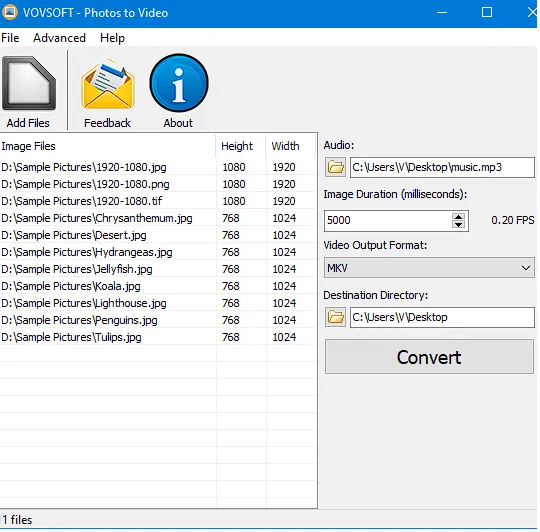
A variety of image formats (including BMP, JPEG, GIF, PNG, and TIFF) and audio formats (including WAV and MP3) can be imported into this slideshow maker, along with music. AVI, QuickTime Video (MOV), MP4, WebMMPEG, FLV, WMV, and Matroska Video are all supported as output formats (MKV). You can also save it as an animated GIF file in addition to a video.
The process of merging and converting photos to video is done by FFmpeg. There is also a way to double-check whether the input files, such as audio files used as ambience, are being read correctly.
About the Vovsoft Photo to Video Giveaway:
visit Gifts Page,
[OR]
Download the software from here https://files.vovsoft.com/ or portable version From here,
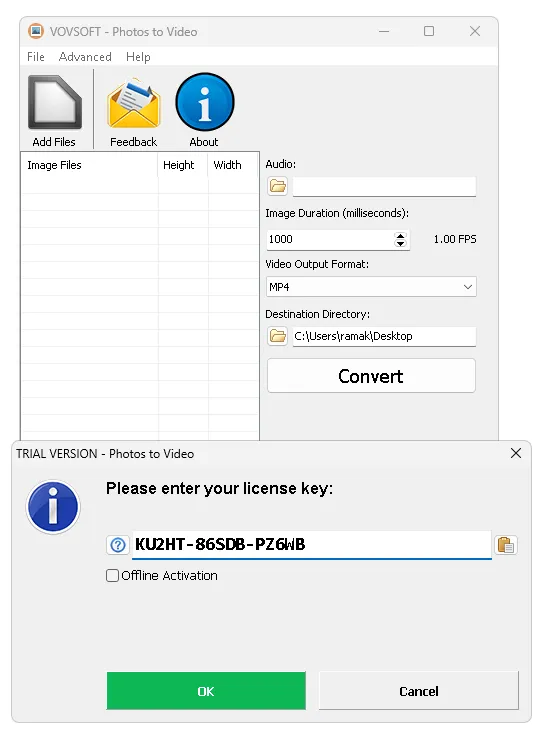
Install the software and activate it with the license code below.
XECW6-L937S-LJXCZ


![Wise Registry Cleaner Pro v11 Free for 1 Year [Worth $29.95] | Free Download](https://diystorehouse.com/wp-content/uploads/2024/06/Wise-Registry-Cleaner-Pro-Box.png?v=1719554291)
