
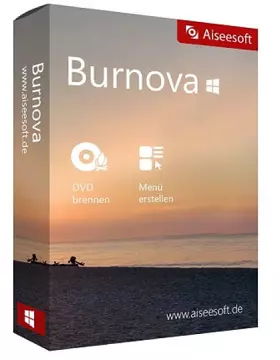
- Acesoft Bernova is a professional DVD and Blu-ray creator that is able to burn videos and movies to DVD and Blu-ray discs. You can easily create your own DVD menu.
Burnova assures that even beginners will be able to use this software with ease due to its nice and intuitive design. It is capable of meeting all your DVD production demands due to its comprehensive feature set.
Aisisoft Bernova Features:
1.Burn video to DVD/folder/ISO file
Burnova, a reputable DVD creator, is able to convert and burn movies to DVD discs, folders and ISO Files.
Whether you captured videos on your smartphone or downloaded them from a website, you can use this burning tool to burn them to a variety of DVD formats, including DVD-R, DVD+R, DVD-RW, DVD+RW, DVD+R DL, DVD-R DL, DVD-5, and DVD-9. Besides, you can also use this DVD video burner to create ISO images and DVD folders from videos.
2.Burn video to Blu-ray
This Blu-ray burner is capable of burning high-quality movies to Blu-ray discs (BD25 and BD50). It enables Blu-ray playback on PS3, Sony, LG, Samsung and Philips Blu-ray players. Additionally, it is able to convert movies to Blu-ray folders/ISO files.
3.Burn DVD/Blu-ray with various menu templates
Burnova offers a variety of menu layouts, including family, travel, holiday, and wedding. It enables you to specify different movie and video styles.
Additionally, you can change the background image and insert any image you like. The title and font can be customized, and we can drag the button to the desired location. Additionally, Burnova enables you to choose a video clip as the introductory movie.
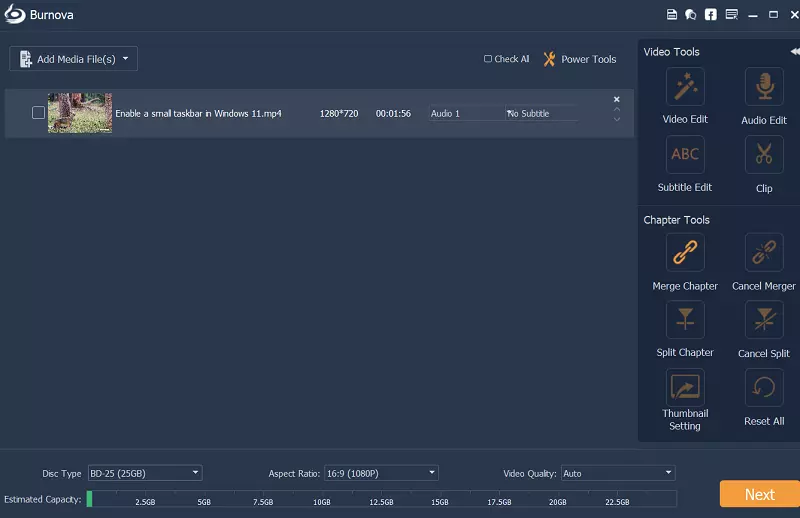
4.Edit videos before burning them to DVD/Blu-ray
Burnova's built-in video editor helps you rotate or flip the videos you capture iPhone or mobile phone.
Additionally, you can shorten the video duration and delete segments as you wish.
You can change the brightness and contrast of the video to get optimal results, and add a watermark to the video to mark it as your own. Burnova can also be used to create various video effects such as blur, sharpness, gray, sketch, canvas, mirror, sculpting, embossing, and pixelated.
Get Aiseesoft Burnova for free:
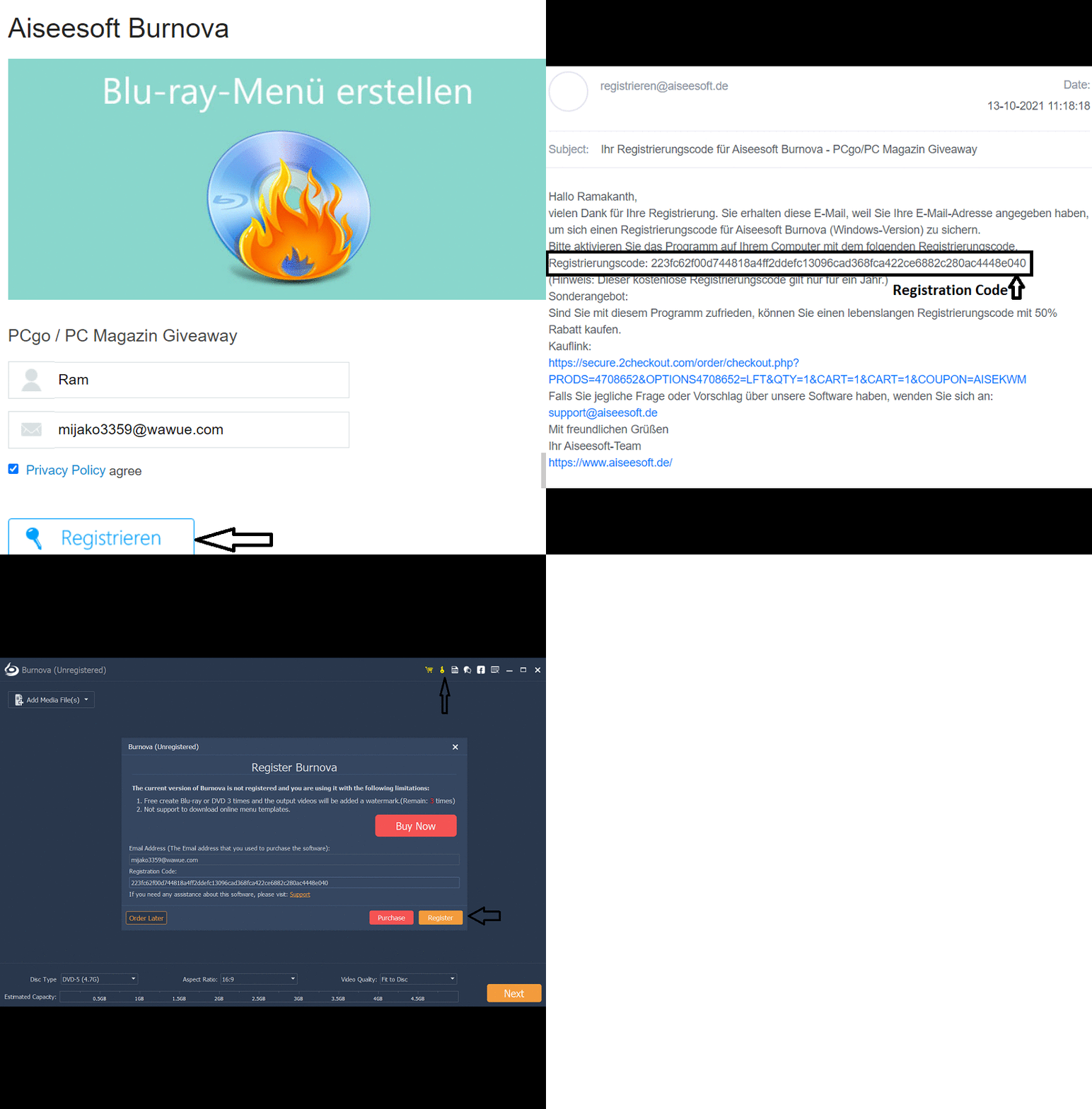
To obtain a license for this software ($25 value), go here Gifts Page or this Promo Page,
Enter your name and email address, agree to the terms of the privacy statement (by checking the box), and click the “Send Registration Code” button.
Next, you will receive an email from “aiseesoft.de” containing a registration code; copy it.
Download the setup file or use the online installer available on the developer's website: https://www.aiseesoft.com/downloads/
Launch the installer, complete the installation, and start the Burnova software.
Click here 'key' Click on the icon in the main window and enter your email address and registration code.
You can activate the full version by clicking on the “Register” button.
That's it; now go ahead and enjoy the full version.


![Wise Registry Cleaner Pro v11 Free for 1 Year [Worth $29.95] | Free Download](https://diystorehouse.com/wp-content/uploads/2024/06/Wise-Registry-Cleaner-Pro-Box.png?v=1719554291)
