
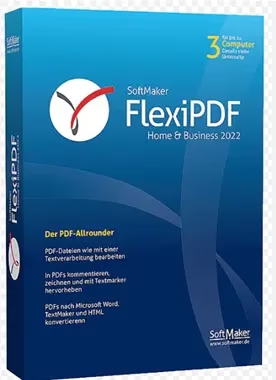
flexipdf standard SoftMaker is a Windows-based PDF editor that makes it easy to edit PDF documents.
The program lets you edit PDFBy deleting or adding pages, changing text and graphics, and filling out and saving forms. You can also split the PDF into separate files or merge multiple of them. Annotations can also be added to PDF using FlexiPDF.
One can save PDFs in many different image formats, and they can also export them to popular text formats like Word or TextMaker. Password stronger AES Encryption can further prevent unwanted access to the PDF. Users also have the option to manage recipients’ permissions, allowing them to open, edit, or print.
currently, heise.de FlexiPDF offers the Standard 2022 edition for free. It is a precursor to a fully functional, continuously usable version of 2025.
FlexiPDF Standard 2022 sits between a basic PDF viewer and the more advanced Professional version, aiming to cover everyday editing needs.
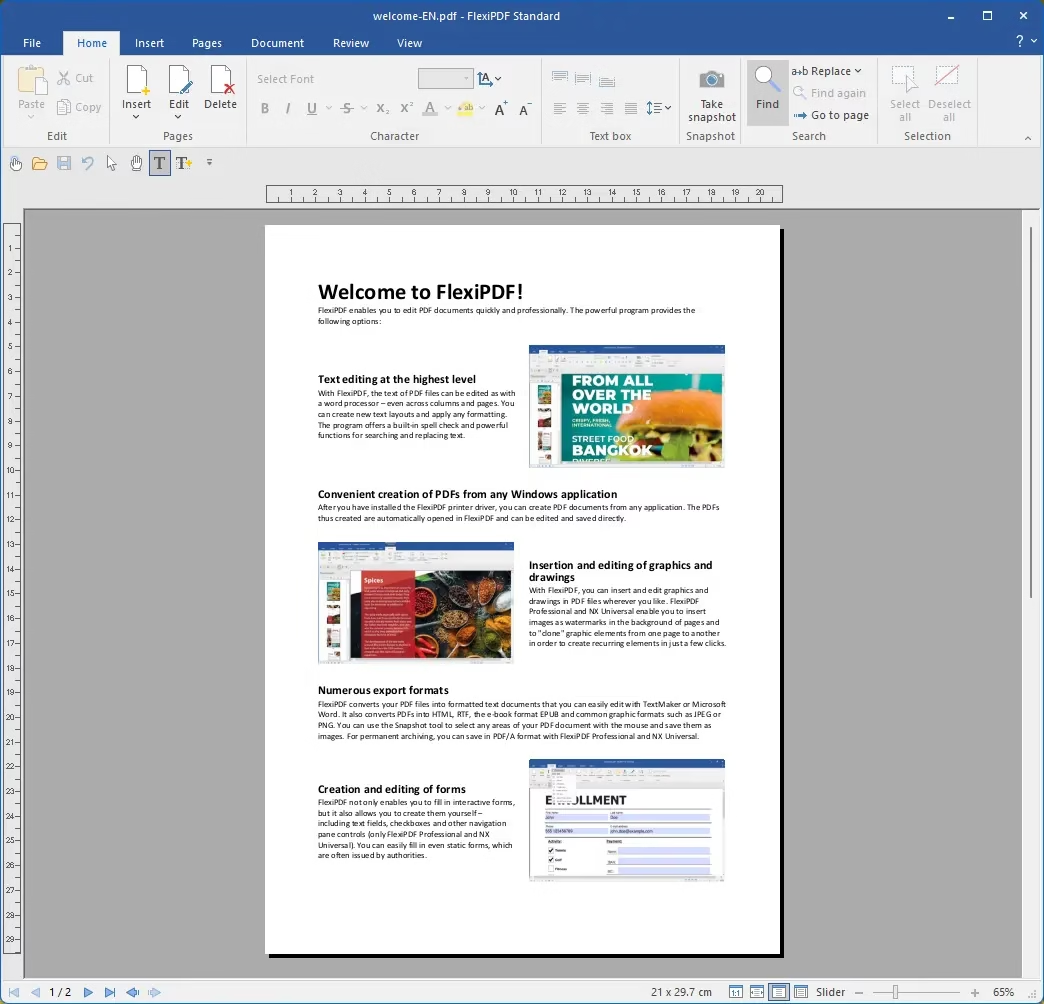
key features
- Instead of just adding notes at the top, edit existing text (paragraphs, columns and pages), fonts and basic layout directly in the PDF.
- Insert and modify images, rearrange, add, delete, and rotate pages, and apply basic page operations such as cropping or merging files.
- Add comments, annotations, and simple signatures, as well as apply password protection and permissions for basic document security.
Versions and limitations
- Since Standard 2022 lies below FlexiPDF Professional 2022, the higher version preserves some advanced options, such as full ocrAdvanced form creation, and some professional workflow tools.

to get FlexiPDF Standard Full Version Free:
Today chip webpage FlexiPDF is offering the full version of Standard 2022 for free.
- To get the full version, visit this giveaway page: https://shop.softmaker.com/?
- You can see that a coupon code has been applied to the gift page, and the cart value is $0. If it has not been applied, please enter coupon code “flexifree”.
- Click the “Order” or “Checkout” button, then select “Proceed to Checkout” on the next page.
- Next, log in to your SoftMaker account or create a new account.
- To finish, click the “Next Step” button to proceed to the payment step (which does not incur any costs).
- Finally complete the order.
- Please check your inbox for emails from SoftMaker Software GmbH (sales@softmaker.de).
- This email contains Download link for installer With the product key or activation code located at the bottom of the email.
- Run the installer, complete the installation process, and launch the app.
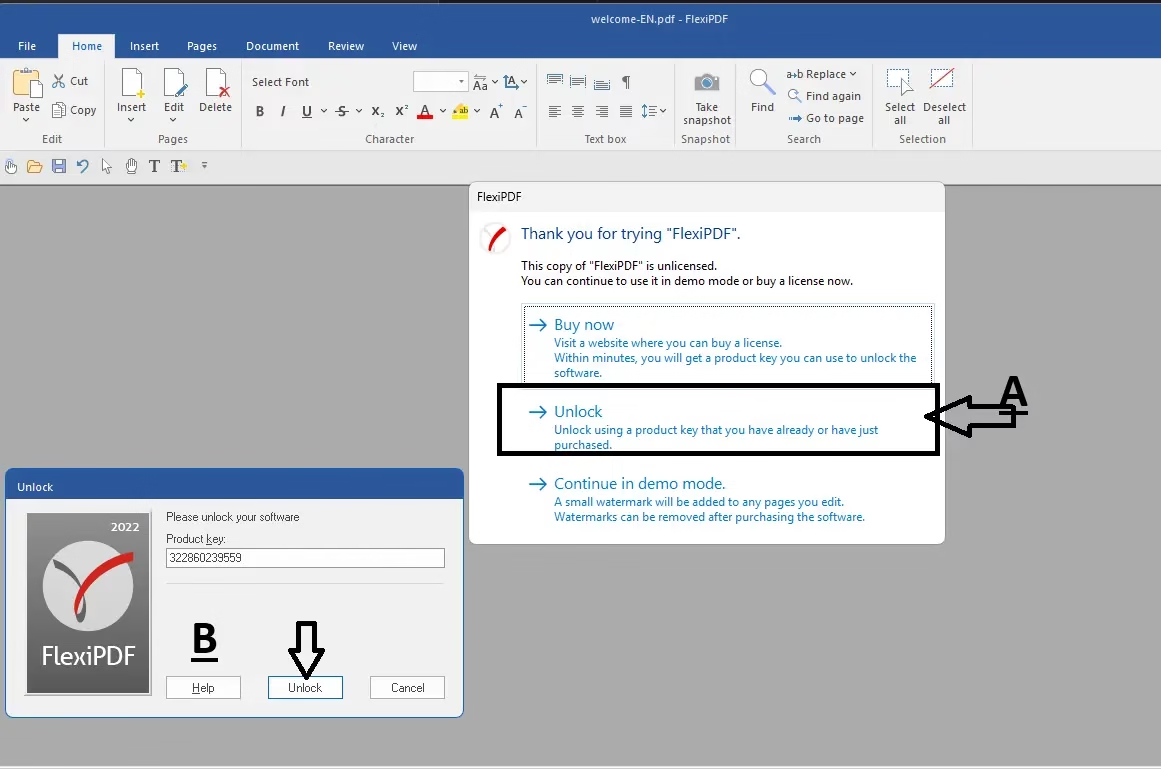
- When you launch the app for the first time, you will see an activation window similar to the screenshot below.
- Click “Unlock”, then enter the code you received in the popup window and press the “Unlock” button.
.
Connected
Learn more from Techno360
Subscribe to get the latest posts delivered to your email.


![Wise Registry Cleaner Pro v11 Free for 1 Year [Worth $29.95] | Free Download](https://diystorehouse.com/wp-content/uploads/2024/06/Wise-Registry-Cleaner-Pro-Box.png?v=1719554291)
