
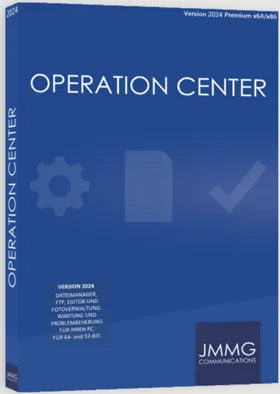
Need a file manager to replace Windows Explorer? Consider trying Operation Center 16 Premium. Compared to Windows Explorer, this program is a universal file manager with many advantages, including speed, convenience, and flexibility. And for a limited time, it's free! How cool is that?
What is Operation Center 16 Premium?
If you are using WindowsThe operation center is a great file manager to keep at hand. With its two-window interface, moving files and folders between multiple locations is as easy as dragging and dropping.
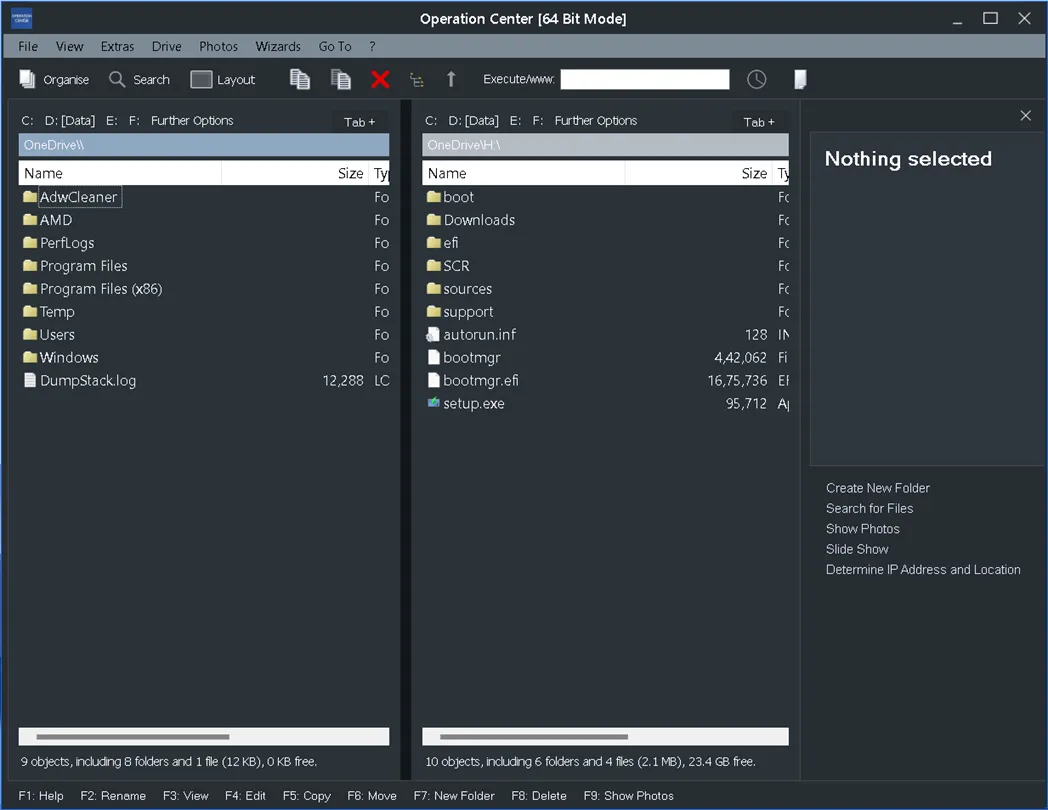
You can also use this feature to open multiple tabs on each window, just like a web browser. This allows you to navigate to different folders without switching windows.
Beyond its primary function as a file organizer, Operation Center offers many useful additional features. Use it for many different tasks, such as editing text files, managing images, recording audio, capturing screenshots, and more. Plus, it comes with many useful tools that can optimize your PC, clean up your disk, and detect duplicate files.
Why should you use Operations Center 16 Premium?
Anyone who uses it Windows Operations Center will be an invaluable tool for managing files and folders. To name a few benefits, consider these:
- It is much faster than Windows Explorer. Sorting, copying, transferring, and deleting folders and files requires fewer clicks and waiting time.
- It is much more convenient than Windows Explorer. Change the color, choose from nine different designs, and personalize the user interface. Moreover, you have the option to bookmark your favorite applications and folders for easy access.
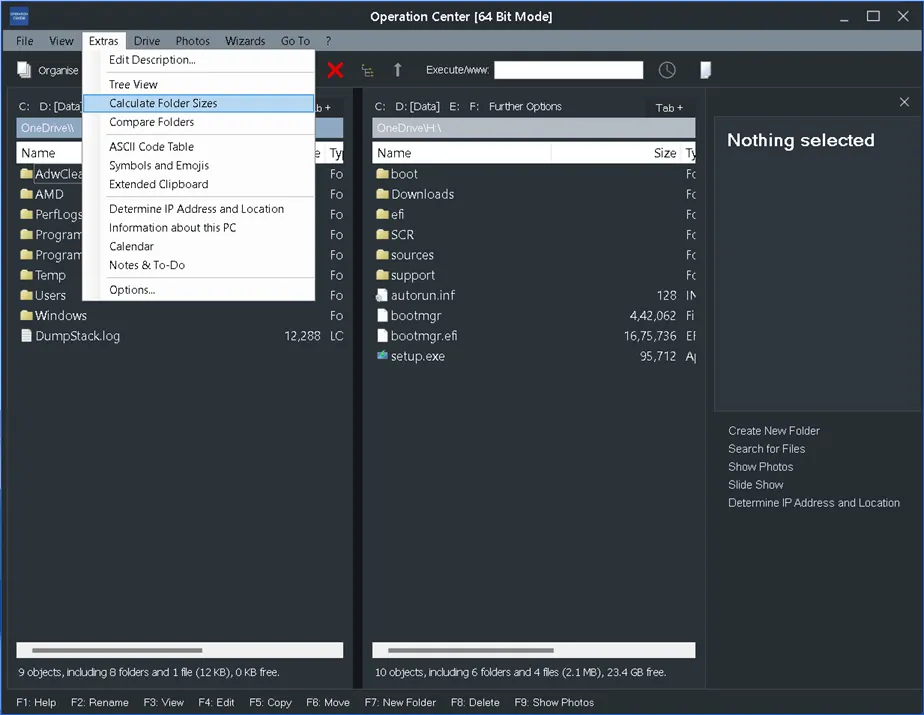
- It has more flexibility than other Windows ExplorerIt has features that Windows Explorer doesn't have, such as the ability to edit images, record audio, and detect duplicate files.
How to get Operation Center 16 Premium for free?
If you want to give Operations Center a try, you’re in luck.
Thanks to the German webpage ComputerBild you can get the unlock code for the premium version for free for a limited time.
go here Special Gifts Page (German language) set by ComputerBild, wait a few seconds, and the webpage will display the unlock code similar to the screenshot below.
Copy the unlock code.

Download the software from here https://www.computerbild.de/download/
Install the software, launch it and when the activation screen appears, click “Unlock” and enter the code to activate the premium version.
That’s it!

conclusion
An alternative to Windows Explorer is Operation Center 16 Premium, which is a file manager. Compared to Windows Explorer, it is faster, easier and more customizable. Apart from the core capabilities, it offers lots of other tools to improve your PC and other devices. file management,


![Wise Registry Cleaner Pro v11 Free for 1 Year [Worth $29.95] | Free Download](https://diystorehouse.com/wp-content/uploads/2024/06/Wise-Registry-Cleaner-Pro-Box.png?v=1719554291)
