
iTop DualSafe Password Manager Pro iIt is a lightweight password manager that can store and organize all your passwords, payment details, and other sensitive information in one convenient place.
Keeping yourself safe in an ever-changing digital world is a daunting task in itself. This becomes even more evident when you think about the Internet and what it means. It's important to know how to keep private information like passwords and credit card numbers safe. As its name suggests, they developed the DualSafe Password Manager to provide users with a streamlined, secure place to create, save, and manage passwords, PINs, and other forms of personally identifiable information used online.
They encrypt your data AES-256 and a unique key randomly generated by DualSafe Password Manager based on your account and password. All of this happens on your own computer, so no one else can access your data. Your data is encrypted again using HTTPS, and then DualSafe Password Manager syncs it seamlessly between your devices.
This iTop software has a simple and easy-to-understand interface. With just one click, you can import data from your browser or other password tools so you can track all your important information in one place.
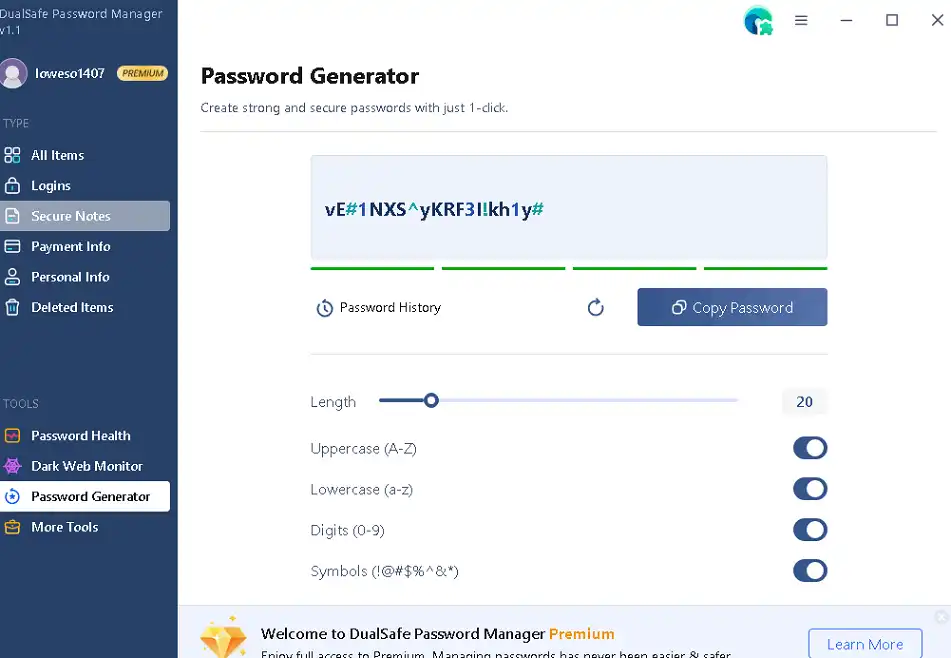
DualSafe Password Manager makes things easier with its browser add-on. With the browser extension, your login and it will automatically save, fill in, and keep payment information up to date. When you sign up for an account with a service, it will suggest a strong, random password to keep your account secure. It Password Manager It can also help you save and automatically fill one-time use passwords for sites that use two-step verification.
Apart from the core features, it also has useful tools like Password Health and Dark Web Monitor.
iTop DualSafe Password Manager Pro 6 months free:
Visit this iTop Sign up promo page.
Create a new iTop account by filling in the required fields with your email address and password (twice), then clicking “Sign Up.”
There should be an email from iTop waiting for you in your inbox. Click the “Verify” button in that email to confirm your email address.
Download DualSafe Password Manager here Developer Page,
Launch the program after installation, then log in with your email address and password.
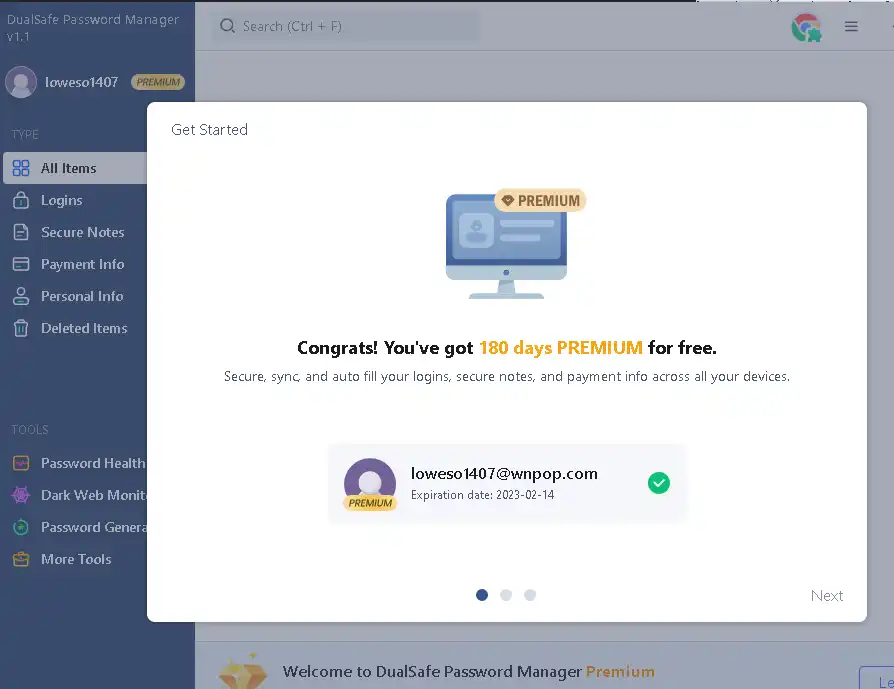
Once you've done that, go ahead and create a master password and save the recovery code. Use the Pro version for free for the next six months.


![Wise Registry Cleaner Pro v11 Free for 1 Year [Worth $29.95] | Free Download](https://diystorehouse.com/wp-content/uploads/2024/06/Wise-Registry-Cleaner-Pro-Box.png?v=1719554291)
