
MobiKin HEIC to JPG Converter is straight and light windows Application to convert HEIC files to JPEG, JPG and PNG.
On iOS 15/14/13/12/11, HEIC is used as the image format. This image format saves a significant amount of storage space while maintaining the original quality of the image.
Main reason to switch to Here This is due to space limitations when storing large photo collections. Despite Apple's adoption of the HEIC format, Windows does not include a native HEIC viewer or converter.
The app is easy to use, and you only need to enter a few parameters to start converting your photos. You can choose the location from which the tool will automatically recover your HEIC files, or you can select individual files. You can also drop them directly into the interface.
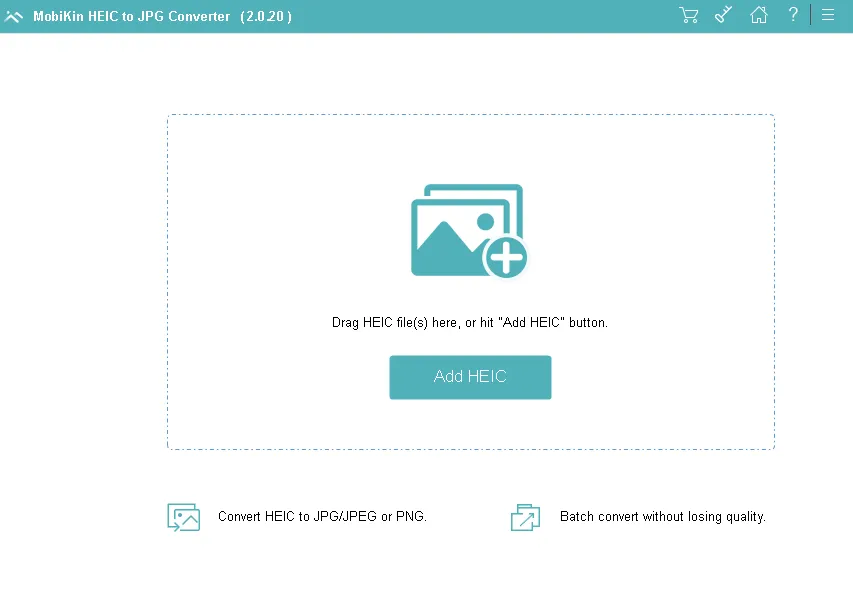
After that, you can choose to save the image as JPEG or PNGFor the latter, you will have the option to adjust the quality of the conversion; Doing so would require more storage at the expense of preserved image detail. When switching to PNG, you cannot select this option.
When saving a photo as a JPEG, users have the option to preserve its EXIF data. Again, this is unavailable in PNG conversion, as no EXIF data is preserved.
MobiKin HEIC to JPG Converter Features:
- Easily convert your HEIF photos to JPG/JPEG.
- Convert HEIC images to PNG, which supports multiple colors and Internet graphics without any limitations.
- Batch convert HEIC photos: You can convert HEIC photos to JPG/PNG one at a time or all at once with one click.
- Drag and Drop HEIC Files: To add HEIC/HEIF files, click “Add HEIC” or drag and drop them onto the program's primary interface.
- Optimize image quality before converting.
- Preserve Exif data during conversion. Camera model, date, time, location and more are in Exif data.
- Easy and fast to use.
Get MobiKin HEIC to JPG Converter for free:
download software from https://www.mobikin.com/downloads/
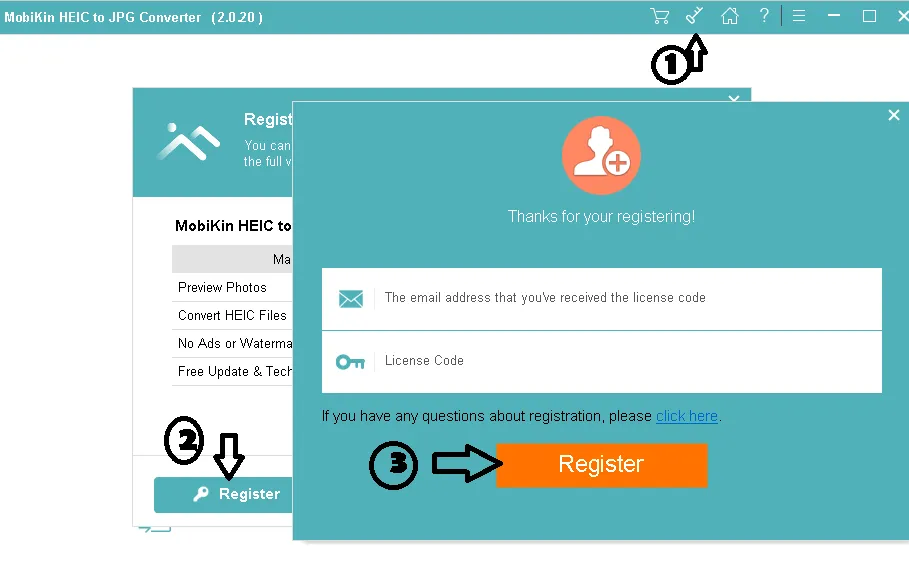
Install the software, launch it, and activate the full version with the registration information below.
Email: mobikin@giveawayoftheday.com
License code: F5006586768114602041d27220A8BAf0DD60AB49A9D567F2B67A808B


![Wise Registry Cleaner Pro v11 Free for 1 Year [Worth $29.95] | Free Download](https://diystorehouse.com/wp-content/uploads/2024/06/Wise-Registry-Cleaner-Pro-Box.png?v=1719554291)
