
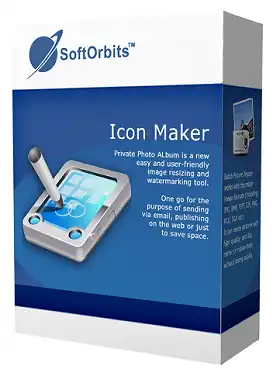
SoftOrbits Icon Maker PNG is a tool for creating graphic icons from images. With this easy-to-use app you can draw your own icons or create new icons from scratch.
This icon maker from SoftOrbits has a wide range of drawing tools and editing options that can help you create unique icons for Windows, iOS. MacOr Android apps.
Create, modify and generate application icons with Icon Maker. It provides everything you need to design, edit and convert small graphics. It is a must-have tool for any application developer. Even if you can’t draw, this tool will help you create great looking icons from any picture, automatically applying effects to create normal, highlighted, active and disabled looking icons.
Its interface is easy to use, and the toolbars make it easy to access all functions with just one click.
You can select sections, fill them with colors, erase pixels, draw shapes with a pencil or brush, draw lines, add a blur effect, or enter a text box. In addition, you can add different geometric shapes to your icon.
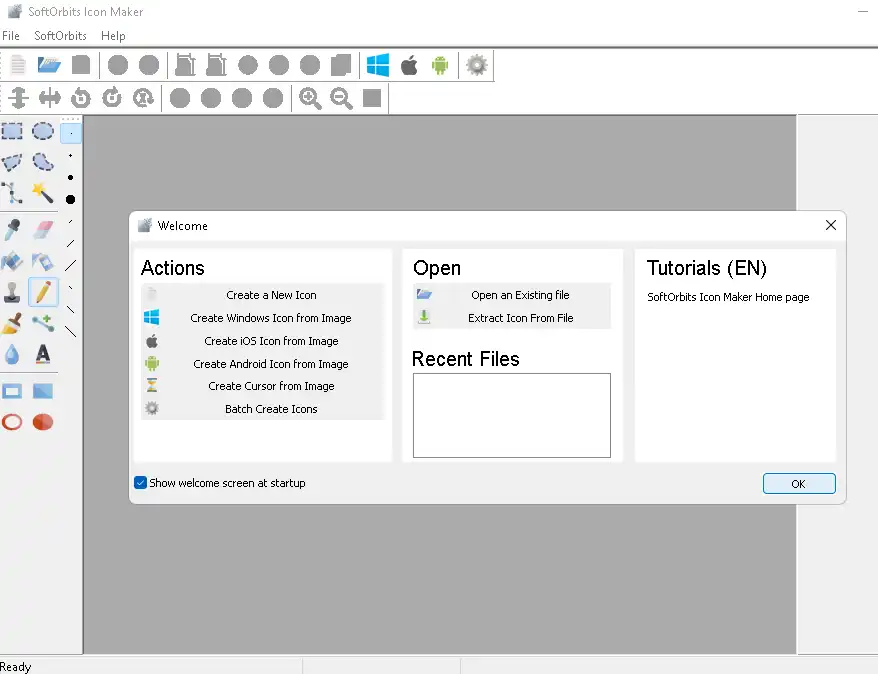
You can also move the loaded luggage icon up, down, to the right or to the left, as well as rotate or flip it. By using the zooming function, you can get a better look at your icon and see every detail.
Icon Maker also has many effects, such as ripple, wave, wind, cartoon, white and punch, etc., to help you create great icons. It lets you change brightness and contrast, invert colors, sharpen the image, or change transparency.
ICO, ANI, CUR, GIF, PNG, ICL, TGA, TIF, TIFF, and even AVI, BMP, JPG, or Photoshop files are supported. Icon Maker can extract icons from EXE and DLL files for editing and saving.
Features of SoftOrbits Icon Maker:
- Create icons for Windows, Android, macOS, and iOS applications.
- Extensive icon editing.
- Amazing special effects.
- Automatic icon creation.
- Animated icons and cursors.
- Convert images to icons.
- Automatic icon creation in batch mode.
- Import icon libraries from ICL, DLL, and EXE.
Get SoftOrbits Icon Maker for free:
go here Gifts Page,
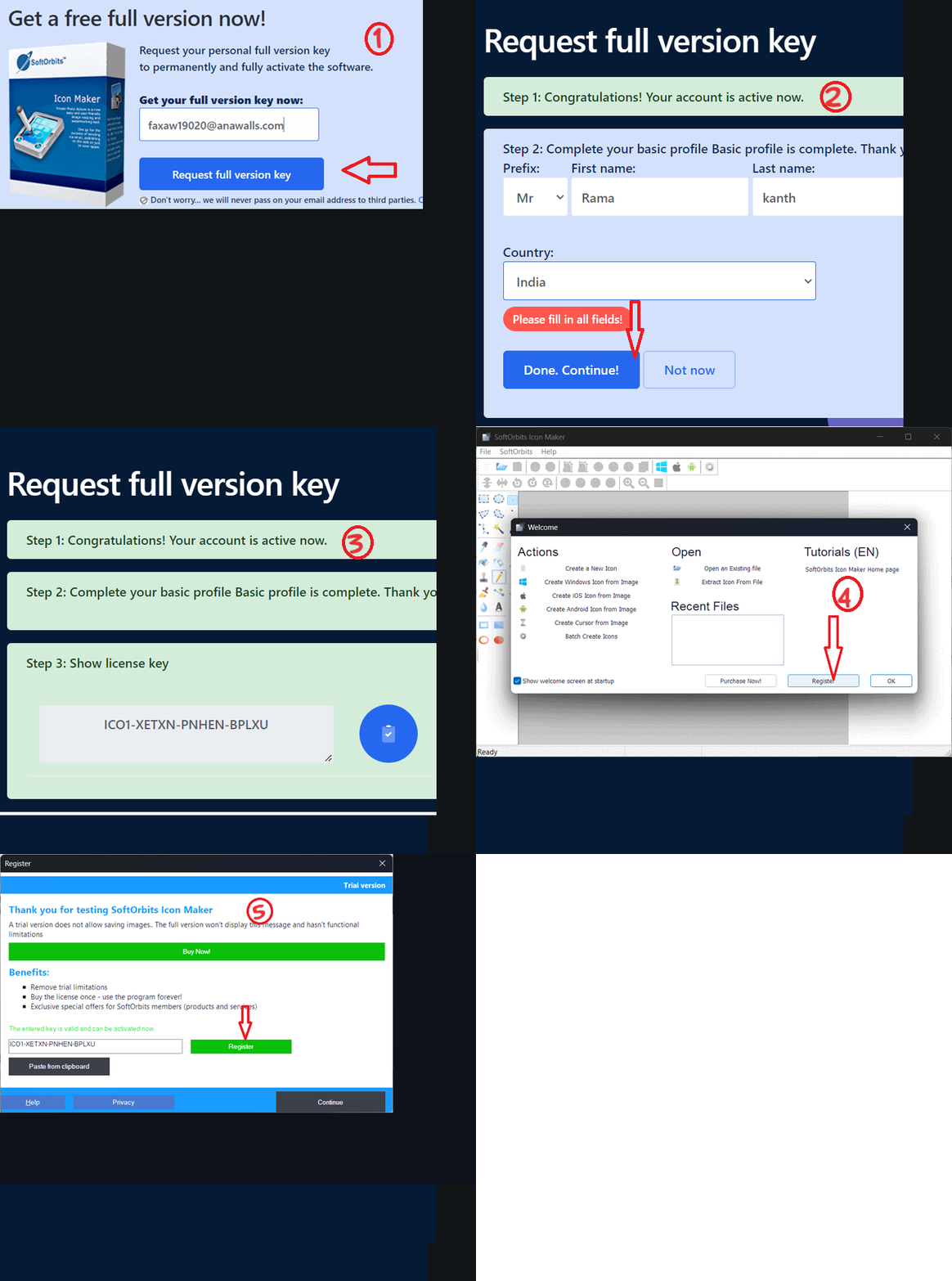
Enter your email address and click the “Request Full Version Key” button.
You will be sent a confirmation email from the SoftOrbits team (admin@softorbits.com) shortly; please check your inbox.
Just press the “Click Here” button to verify your email address. This link will take you to another page of SoftOrbits.
Fill out the short form on that page providing your first name, last name and country of residence.
When you’re done, click the “Done” button. Simply copy the license code you see on the giveaway page.
Download the installer from: https://download.softorbits.com/
Run the installer, install the app, and launch it.
Click on “Register” button.
You will see an activation window similar to the screenshot below.
Enter the license key, then click “Register”.


![Wise Registry Cleaner Pro v11 Free for 1 Year [Worth $29.95] | Free Download](https://diystorehouse.com/wp-content/uploads/2024/06/Wise-Registry-Cleaner-Pro-Box.png?v=1719554291)
