

TunesKit WhatsApp Transfer There is a special migration app for Windows that makes it easy to transfer all your WhatsApp data from one iOS device to another with a few simple clicks.
About TunesKit WhatsApp Transfer:
If you ever lose access to your mobile device, or you want to change carriers and transfer your data, or simply get a new device, it's important to have a way to synchronize your data.
This is especially important for instant messaging apps like WhatsAppWhich, even with cloud backup capability, can sometimes fail. In such cases, specialized apps like TunesKit WhatsApp Transfer are invaluable.
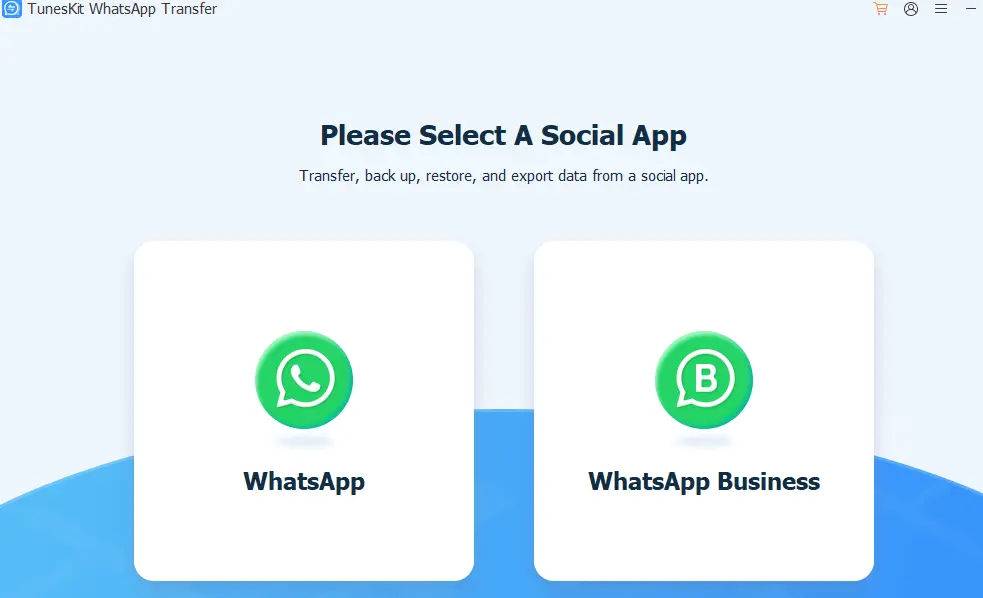
The sole purpose of this program is to provide users with an easy way to sync WhatsApp messages and other data on two different platforms. iOS Additionally, it can be used to backup, restore, and export data.
Call logs, message content, contact agendas and calendar entries are just some of the many types of data that can be exported.
When WhatsApp launches, users will be able to choose between the regular and business versions, but both will be supported.
The core functionality of TunesKit WhatsApp Transfer is based on allowing the user to transfer data from one iOS device to another. iOS You can backup, restore, or even export from either device, and all of this will happen while both devices are connected to the same computer.
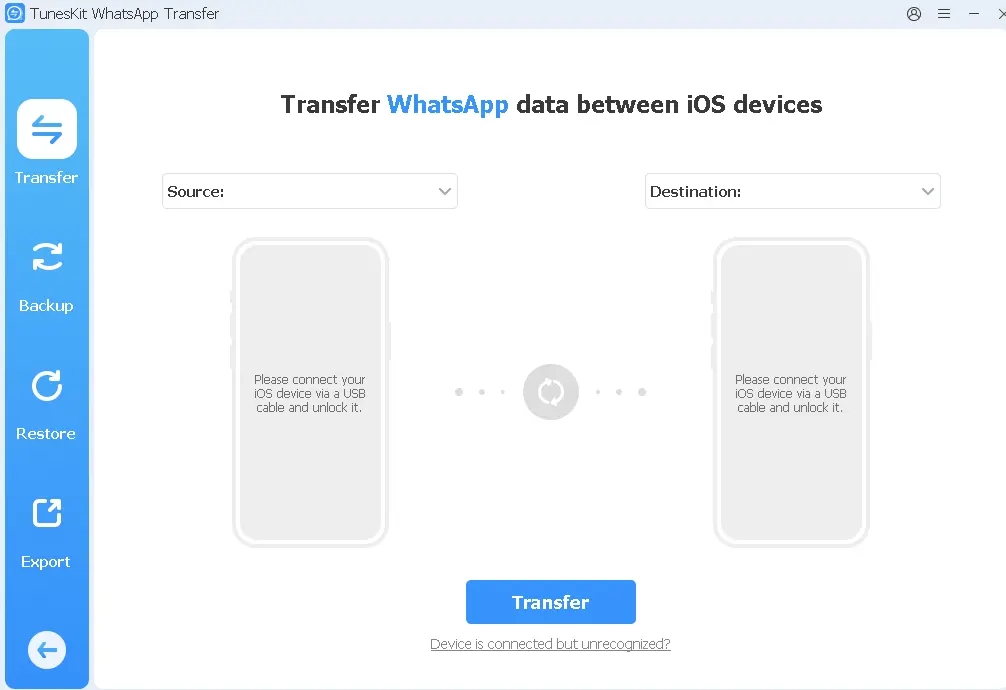
key features
- An effective WhatsApp transfer app that lets you transfer your WhatsApp messages and other data to your iOS devices with ease.
- This tool easily transfers text messages, images, videos, audio messages, contacts, attachments and other WhatsApp data.
- It can encrypt your WhatsApp data and save it on your computer, ensuring you won’t lose it or have it compromised.
- You can use this tool to restore WhatsApp backup on iOS devices with ease.
- Easy Backup And exporting local files from WhatsApp is now at your fingertips with this simple method.
TunesKit WhatsApp Transfer Free License [6 Months],
Download the gift version from either of these two links: [Link 1/ Link 2]
After the software is installed and launched, go to the primary interface and click on the hamburger menu (three horizontal lines stacked on top of each other). In the drop-down menu, click on “Register”. In the window that appears, enter your email address and the license number below.
34c30c41053d47689950ee79628e734aa8db1ba138
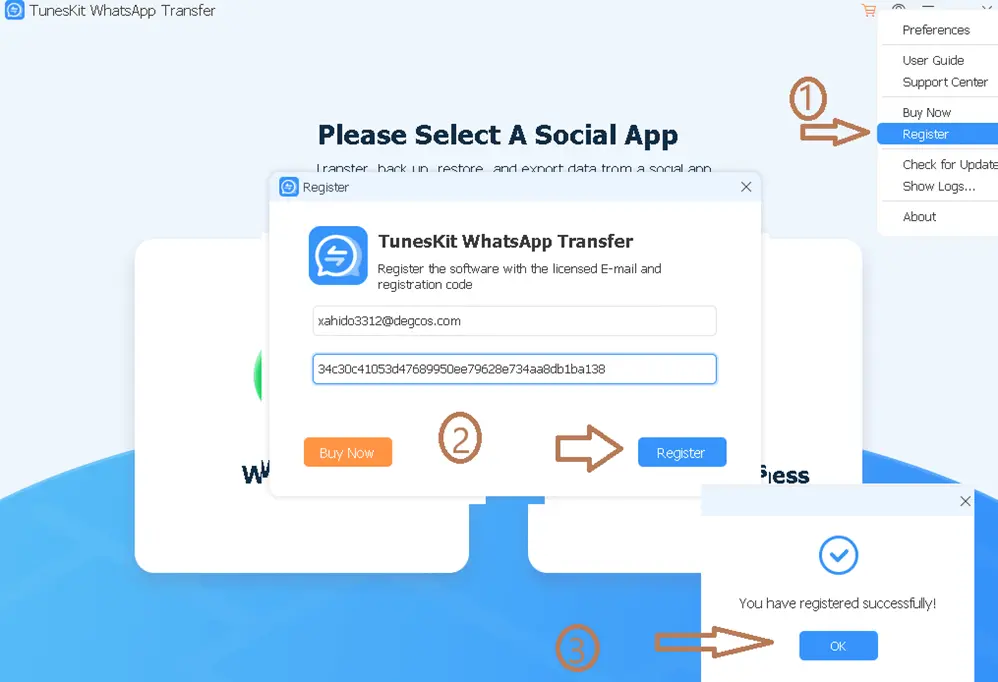
Note: You can get six months of free subscription with the code above.


![Wise Registry Cleaner Pro v11 Free for 1 Year [Worth $29.95] | Free Download](https://diystorehouse.com/wp-content/uploads/2024/06/Wise-Registry-Cleaner-Pro-Box.png?v=1719554291)
