
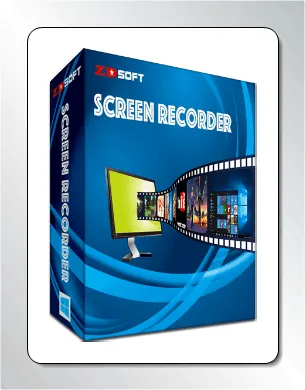
ZD Soft Screen Recorder is a Windows app that records activity on a computer's desktop. With it, you can record your screen or take screenshots, add text or a date stamp, and save the results in various file formats.
Are you tired of substandard screen recording tools? Try ZD Soft Screen Recorder, it's the best choice for you! This robust program comes with a ton of tools that make it easy to record high-quality video and sound on your computer.
You can try it out for free right now thanks to the ZD Soft Screen Recorder Giveaway.
Stay connected with us to know why this screen recorder is the best choice for you and how you can get its free license.
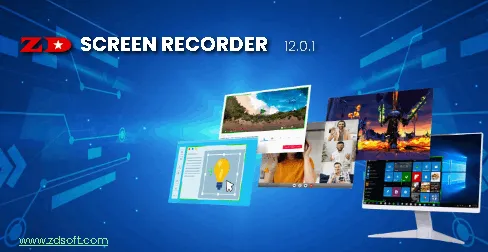
About ZD Soft Screen Recorder:
The software company ZD Soft has developed this software, which is a robust and flexible software. Screen Recording Tools, They crafted this robust program to help their users record high-quality screencasts with minimal effort.
This screen recorder is ideal for recording gameplay, demonstrations, tutorials, and online meetings/classes.
We appreciate this software for its lightweight nature, which requires very little processing power on the computer, and produces high-quality videos with minimal file sizes.
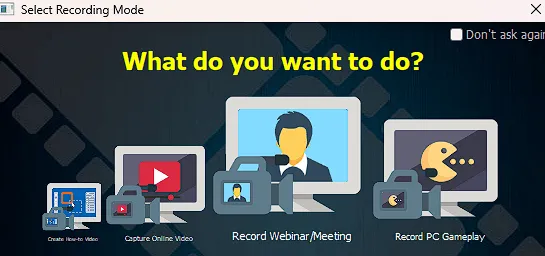
It has some unique abilities Screen Recorder That sets it apart from similar programs. High-definition screen capture is supported, with capture options ranging from 1080p to 4K. It also supports high frame rate screen capture up to 120 fps, making it a good choice for recording high-speed gameplay.
This software also uses GPU acceleration to ensure minimal frame drops during screen capture, making it ideal for documenting Direct3D or OpenGL games.
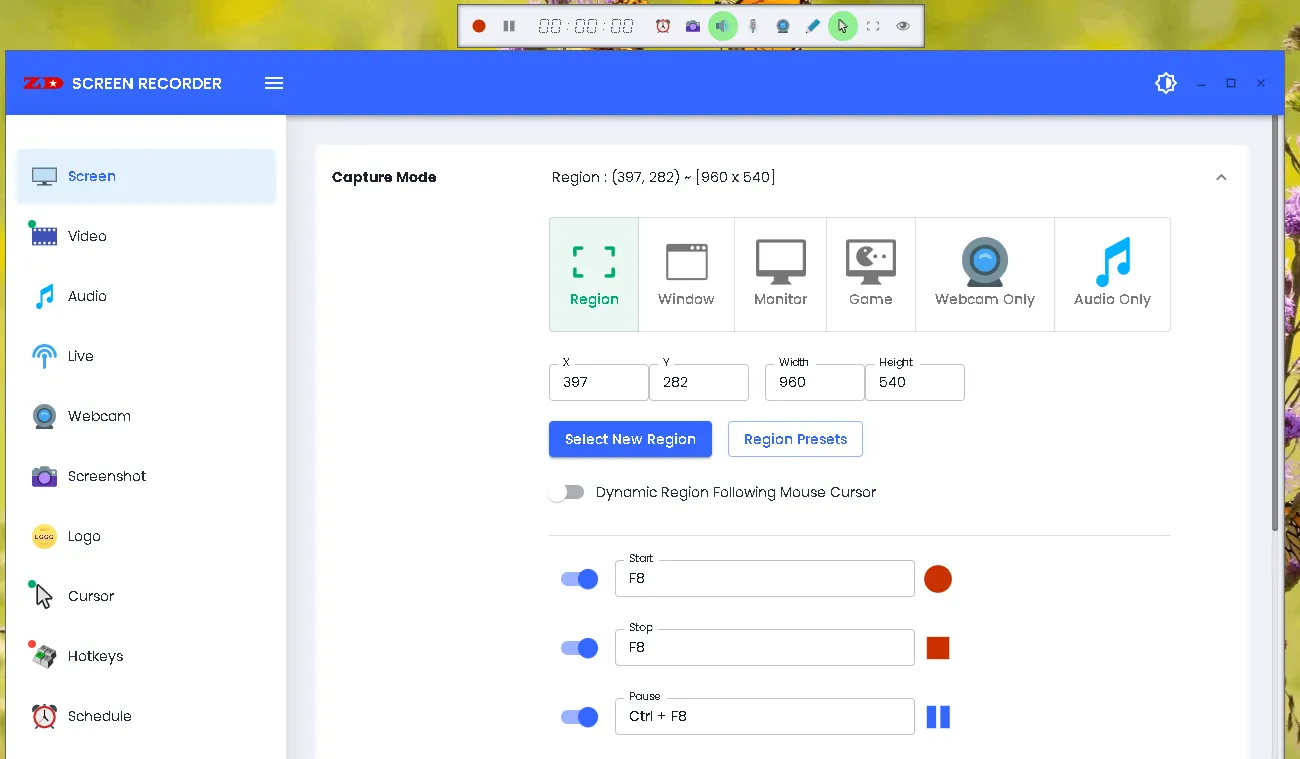
features:
- Create how-to videos quickly and easily.
- Record streaming videos so you can watch them locally.
- Live stream your screen to video sites like Twitch, YouTube, and Facebook.
- Record online classes so you can review them later.
- Capture the entire screen in HD or UHD (maximum 1080p) 4K,
- Screen capture with high frame rate up to 120 fps.
- There is no delay when recording from the screen due to GPU acceleration.
- Capturing games in Direct3D or OpenGL with minimal frame drops.
- 1% CPU usage causes almost no performance degradation.
- Continuous screen recording for more than 24 hours.
- Include a webcam overlay in your video recording.
- Add logo watermark while recording video.
- Add effects to move, highlight, and mouse clicks.
- Marker tool for on-screen sketching.
- Cut and join recorded videos without the use of external software.
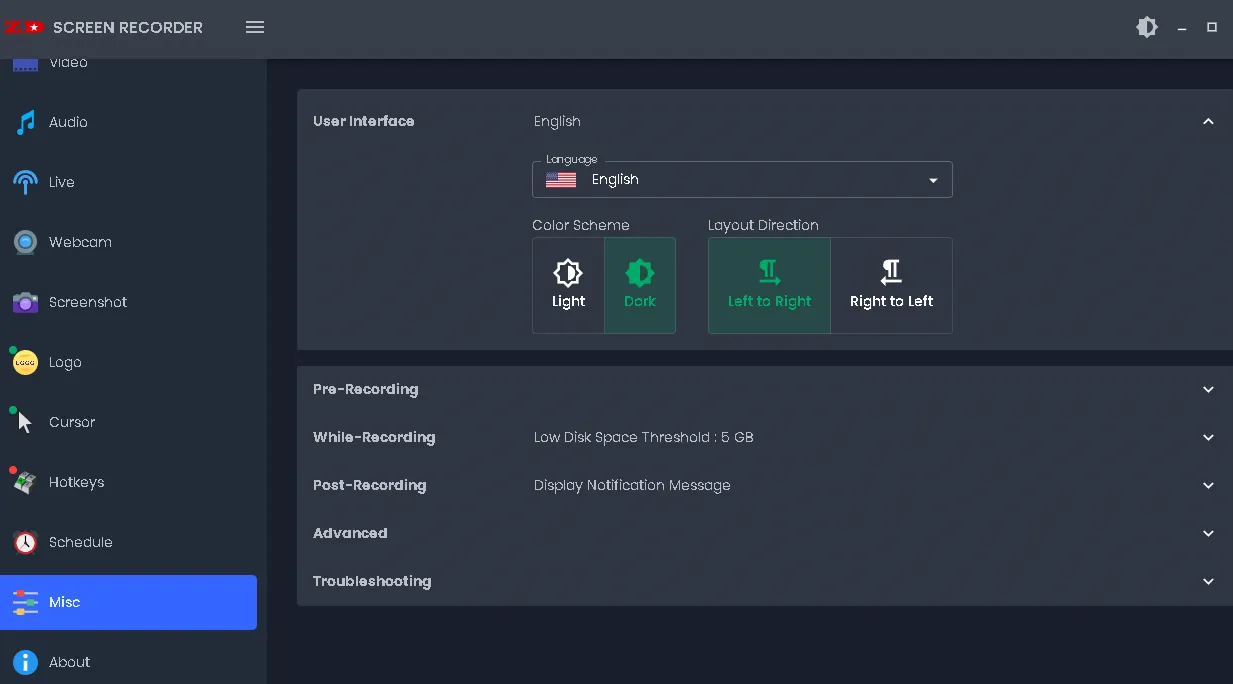
ZD Soft Screen Recorder Giveaway:
visit official website And get the installer (.exe or .msi) or ZIP file (portable version).
After installing and launching the program, a window like the one below will appear, prompting you to activate the program.
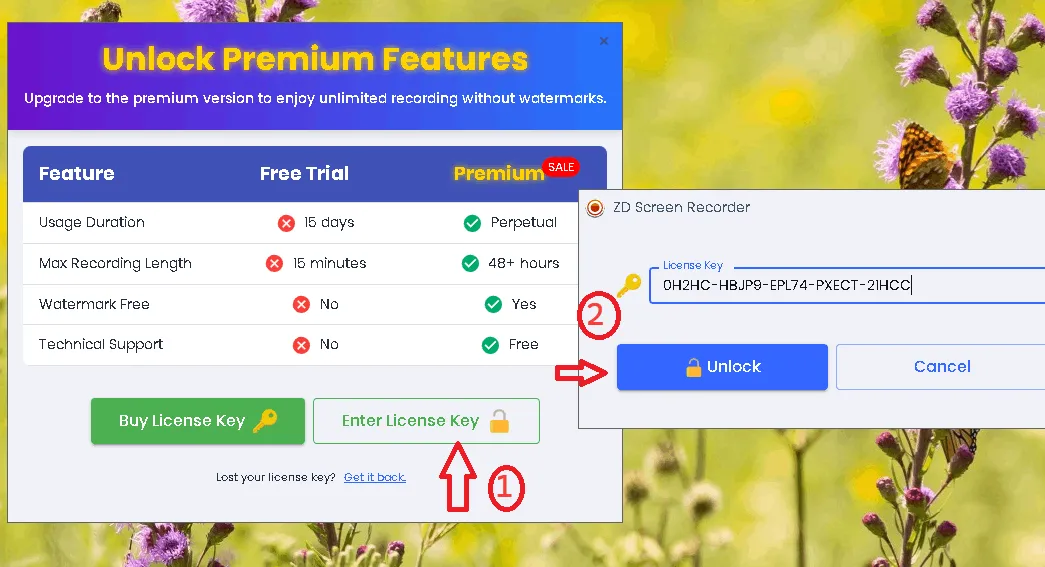
Click on “Enter License Key” and fill in the license code below.
License code: 0H2HC-HBJP9-EPL74-PXECT-21HCC
Press the “Unlock” button.
.


![Wise Registry Cleaner Pro v11 Free for 1 Year [Worth $29.95] | Free Download](https://diystorehouse.com/wp-content/uploads/2024/06/Wise-Registry-Cleaner-Pro-Box.png?v=1719554291)
